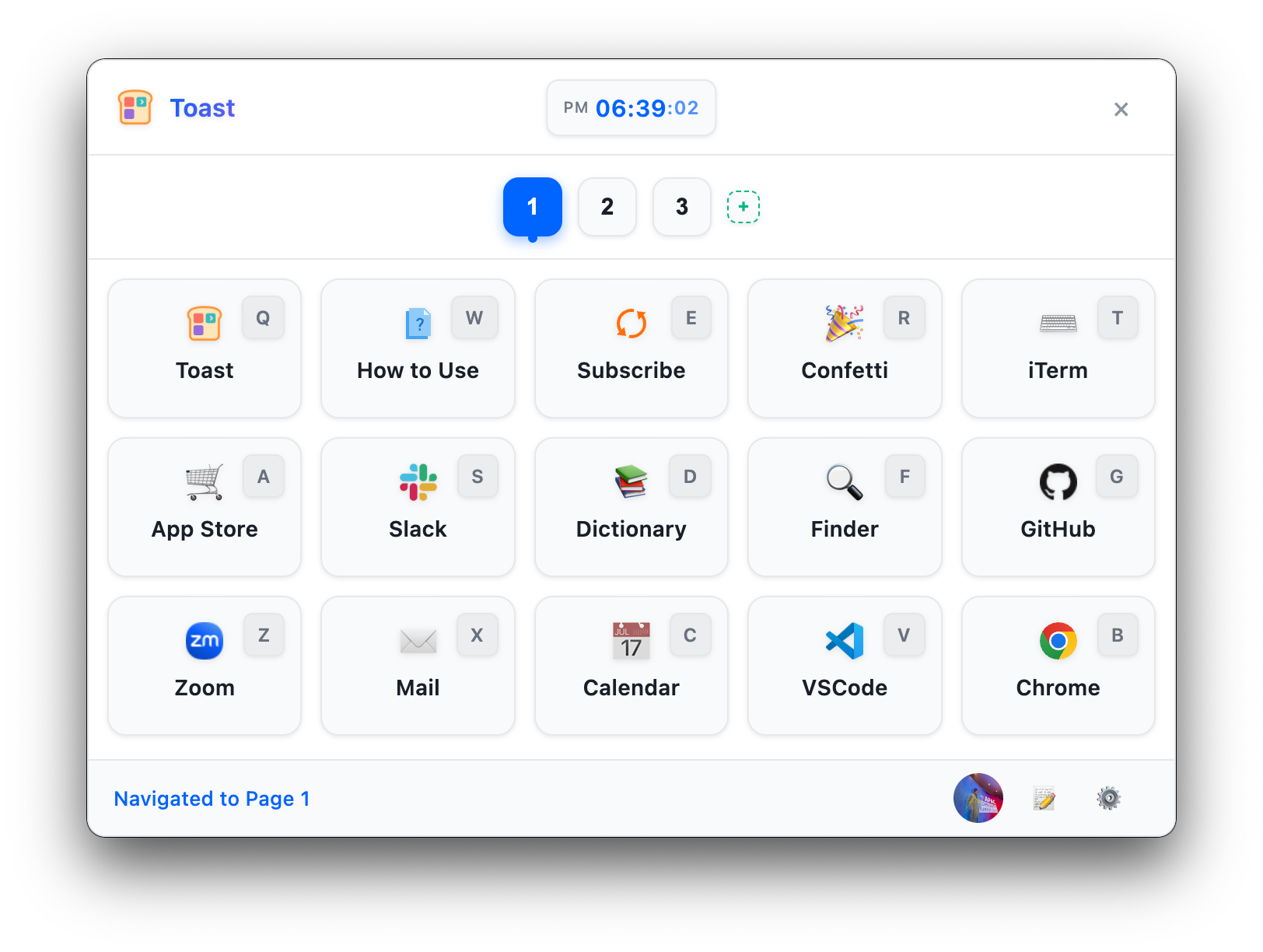
Key Functions
Simple and intuitive interface with powerful features.
Global Shortcuts
Launch Toast popup quickly from anywhere with customizable shortcuts.
Various Actions
Execute commands, open URLs, launch files, use keyboard shortcuts, and run scripts.
Customization
Customize layouts, button designs, themes, position, and size to your preferences.
Install Toast
Choose your operating system and follow the instructions below to get started with Toast.
Install on macOS
Install with Homebrew or download the DMG directly
Option 1. Homebrew (Recommended)
If you use Homebrew, install Toast with a single command in your terminal:
brew install --cask opspresso/tap/toastOption 2. Direct Download (DMG)
Download the latest DMG file from the GitHub releases page:
- Toast-x.x.x-arm64.dmg - for Apple Silicon Macs
Open the downloaded DMG file and drag Toast into the Applications folder.
After installation, launch Toast from the Applications folder or run the following command:
open -a ToastBasic Plan
Unlock all Toast features with our subscription plan.